Hello everyone! 👋
Today, I want to share a little story about my experience with Gemini’s “New Gems” feature, which completely surprised me. I just learned how to use it today, and honestly? It made me feel like my Google AI Premium subscription fee is not a waste at all.
(Just to be clear—I am not a Google employee! And this is not a sponsored post. It’s just a genuine review from a user who paid with their own money, so no misunderstandings, please! 🤣)
When we study stock trading, we spend so much time searching through blogs and watching YouTube videos one by one to find information, right? But now, with just a little bit of effort, you can find the stock-related information you want really easily and quickly.
For complex, high-level usage… there are plenty of experts on YouTube, so I recommend studying through their videos! (I’m still learning too, haha.)
Today, I’m just going to share the very basics that you can use right away.
💎 How to Use Gemini New Gems (The Basics)
It’s actually really easy if you follow along.
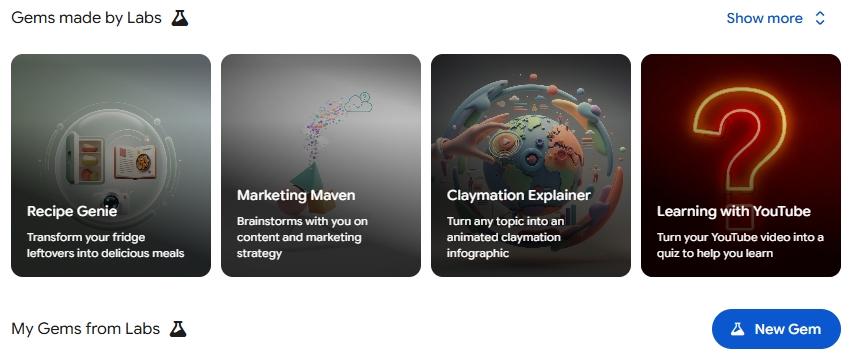
- Select [Gems] from the sidebar menu on the left side of the Gemini screen.
- You will see a section called “Gems made by Labs”. Click the [NEW GEM] button on the right side of that section.
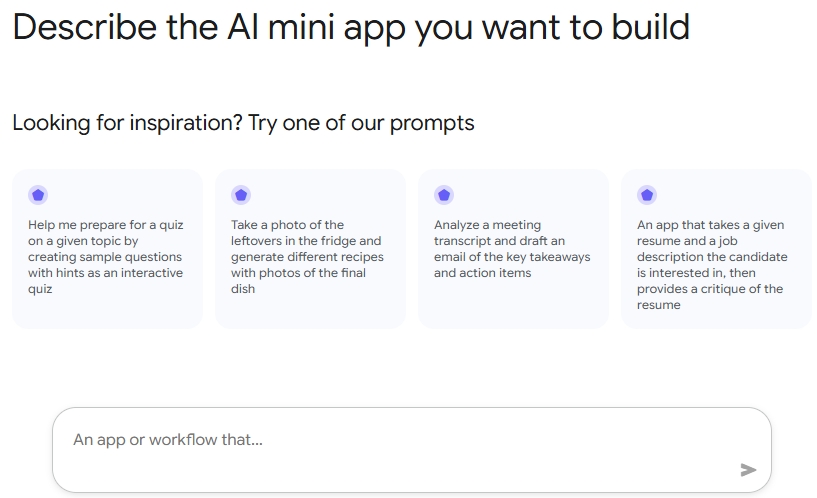
- An input window will appear. Here, simply write down what you want to know or the topic you want to analyze.
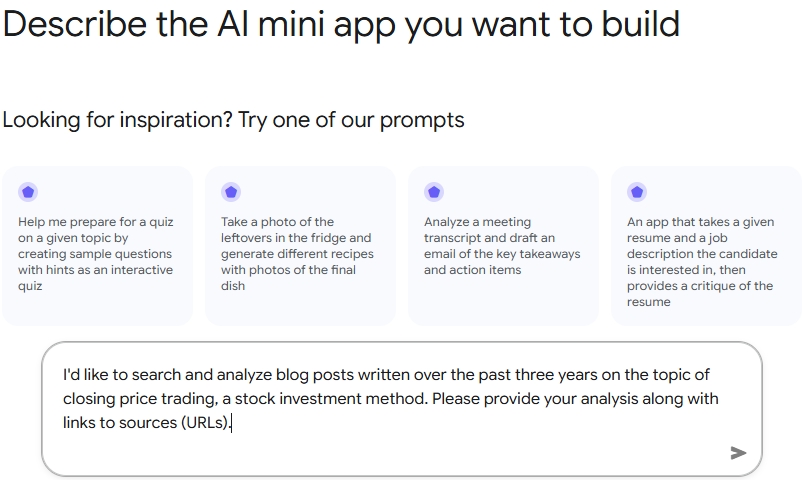
Since I am very interested in “closing price trading,” I wrote something like this:
Example Input: “I’d like to search and analyze blog posts written over the past three years on the topic of closing price trading, a stock investment method. Please provide your analysis along with links to sources (URLs).”
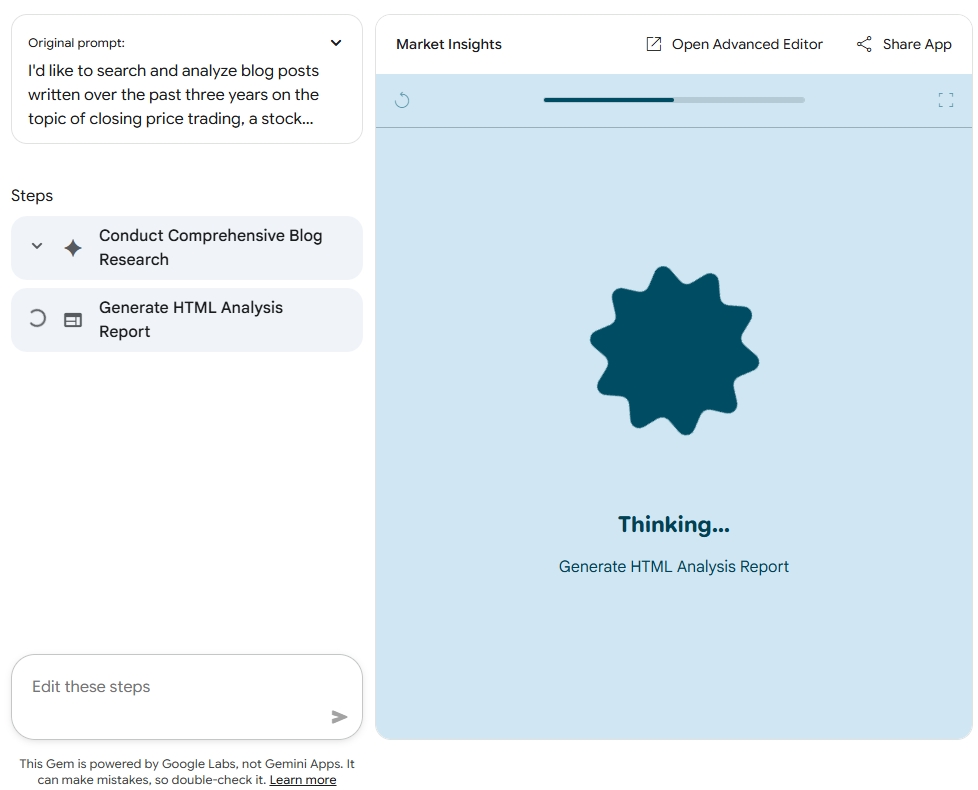
- After you enter this, you’ll see a screen showing Gemini working hard to create something. Just wait a moment.
- When the screen changes and a [Start] button appears, don’t hesitate—click it!
- Now Gemini will start thinking hard, and after a short while, it will show you the results right there on the right side of the web page. ✨

And the results? It didn’t just analyze and summarize blog posts about “closing price trading”—it also neatly organized the source links (URLs) of the blogs. I no longer have to search and click through them one by one.
You should definitely try it yourself. It’s much easier than you think.
💡 One Last Tip! The quality of the information you get will make a huge difference depending on how specifically you write your initial “Request” when starting a New Gem. (It feels like a battle of how well you can give instructions to an AI!)
I hope you have successful trading with your smart AI partner! 🚀